Free · no sign-up · your file stays in your browser
Real or fake?
Check before you share.
Saw a photo that seems too wild to be true? Check it before you share it. We show you exactly what the file says about where it came from.
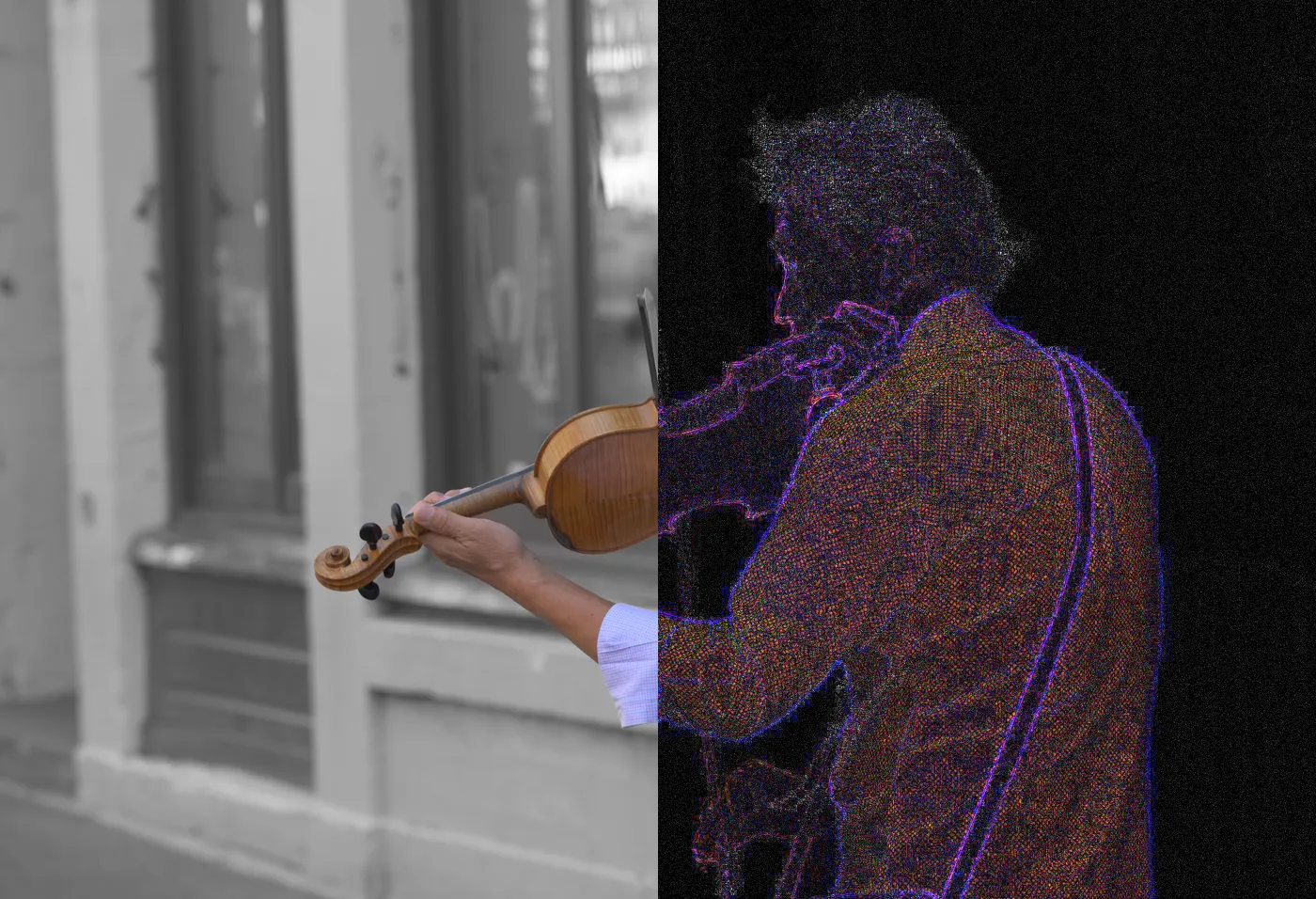
Behind: a CC0 street photo, left half as shot, right half as its error-level map.
No file handy? Try one:
Was it edited? Error-level map
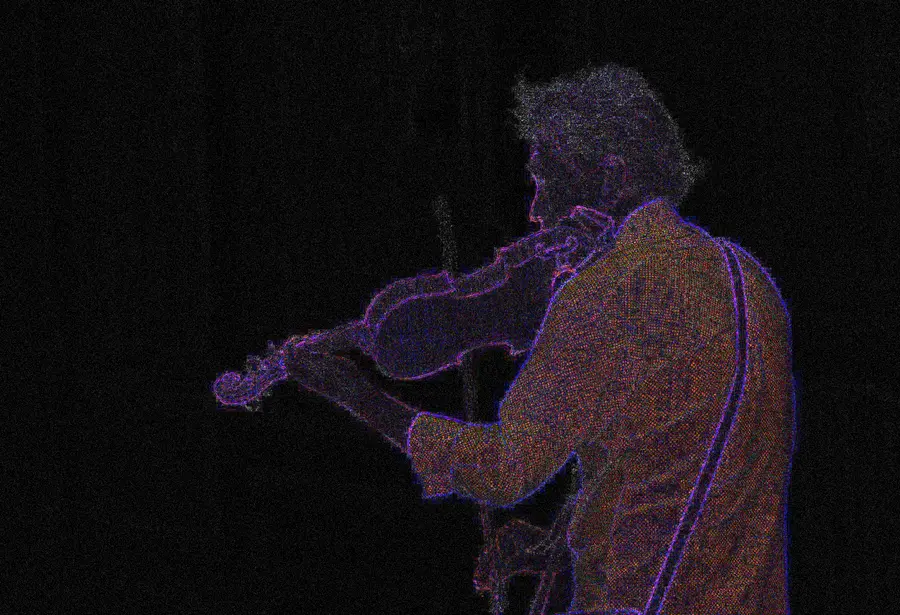
We re-save the picture and map how much each part changes. A patch that glows much brighter than similar areas around it may have been pasted in or retouched. Edges and text always glow a bit; that's normal.
 PhotoError levels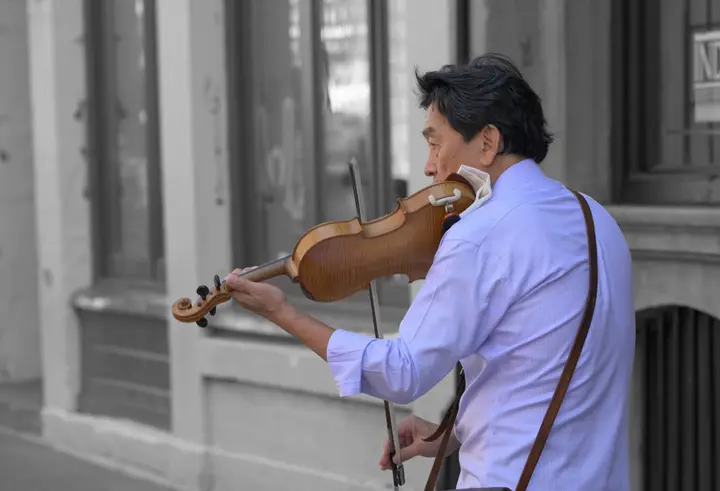
Where did it come from?
Search the picture to find the first account that posted it, and when. Real news photos usually show up from more than one source.
What we check, in order
Step 1
Signed credentials
If the file was made by ChatGPT, Gemini, Adobe Firefly and others, it often carries signed Content Credentials (C2PA). We read them on your device. A valid signature is very hard to fake.
Step 2
File metadata
EXIF, XMP and IPTC fields can name the camera or the AI tool. Stable Diffusion and ComfyUI often save the prompt inside PNGs. Useful, but anyone can edit these.
Step 3
Invisible watermark
If there are no credentials, we ask OpenAI's official checker to look for its invisible SynthID watermark, which survives screenshots and re-saving.
Step 4
Honest when it's unclear
When none of this turns up anything, we say so. No signal is not proof of a real photo. We'll never show a made-up “97% AI” score.
How to read the result
- Made with AIA signed credential or a watermark says AI. Strongest evidence there is.
- Signs of AIUnsigned metadata names an AI tool. Usually right, but editable.
- Signed camera photoSigned camera credentials and no AI signals.
- Not enough evidenceNothing we can read either way. Common for screenshots and reposts.
A 30-second routine
- 1Get the best copySave the original file instead of screenshotting it. Screenshots throw away most of the evidence.
- 2Check it hereSigned credentials or a watermark give you a clear answer in seconds.
- 3Find the sourceSearch the image with Google Lens or TinEye to find who posted it first, and when.
- 4Look for a second sourceReal news photos show up from more than one photographer or outlet.
Real or fake memes
Some of the most shared “is this real?” pictures were AI all along. The Pope in a white puffer jacket in 2023 was made with Midjourney. A fake picture of an explosion near the Pentagon was shared by big verified accounts that same year before anyone checked. Both spread as screenshots and memes, which is exactly why they were hard to pin down.
A meme is a copy of a copy: cropped, captioned, screenshotted again. By the time it reaches you, the credentials and metadata are gone. So check the picture, not the meme:
- Search the picture partCrop out the caption and run it through Google Lens or TinEye.
- Find the earliest postThe first account to post it, and when, tells you more than any detector.
- Check that fileIf you find the original, drop it in above. It may still carry its credentials.
If all you have is the meme and we say “not enough evidence”, that's not a yes or a no. Just one image you want a straight answer on? Ask “is this image AI?”
Questions
- How do I check if a viral photo is real?
- Download the original if you can, not a screenshot. Then check it here. If the file carries credentials or a watermark, you'll get a clear answer. If it doesn't, look for the first account that posted it and search the image with Google Lens.
- The result says “not enough evidence”. Is the photo real then?
- It means the file has no signals we can read. That's normal for screenshots and reposts, real or not. It isn't a vote for “real”.
- What can I look for myself?
- Look at hands, teeth, text on signs, reflections and repeated background patterns. Newer models get these right more often, so treat them as clues, not proof.
- Can I check a meme?
- Yes, but don't expect much from the meme itself. A meme is almost always a screenshot with text slapped on, so the evidence is gone. Reverse-search the picture to find the first post, grab that file, and check it here.
- Can I check a video?
- Not yet. Right now we check images and audio. Video is next.