Free · no sign-up · your file stays in your browser
Free AI Image Detector
Is it AI? See the proof.
Drop in an image to see if it was made with AI. We look for the signals a file can't easily fake, show you each one, and tell you plainly when there isn't enough to go on.
- signals checked: credentials, metadata, watermark
- 3
- signals checked: credentials, metadata, watermark
- made-up percentage scores
- 0
- made-up percentage scores
- free OpenAI watermark checks a day
- 10
- free OpenAI watermark checks a day
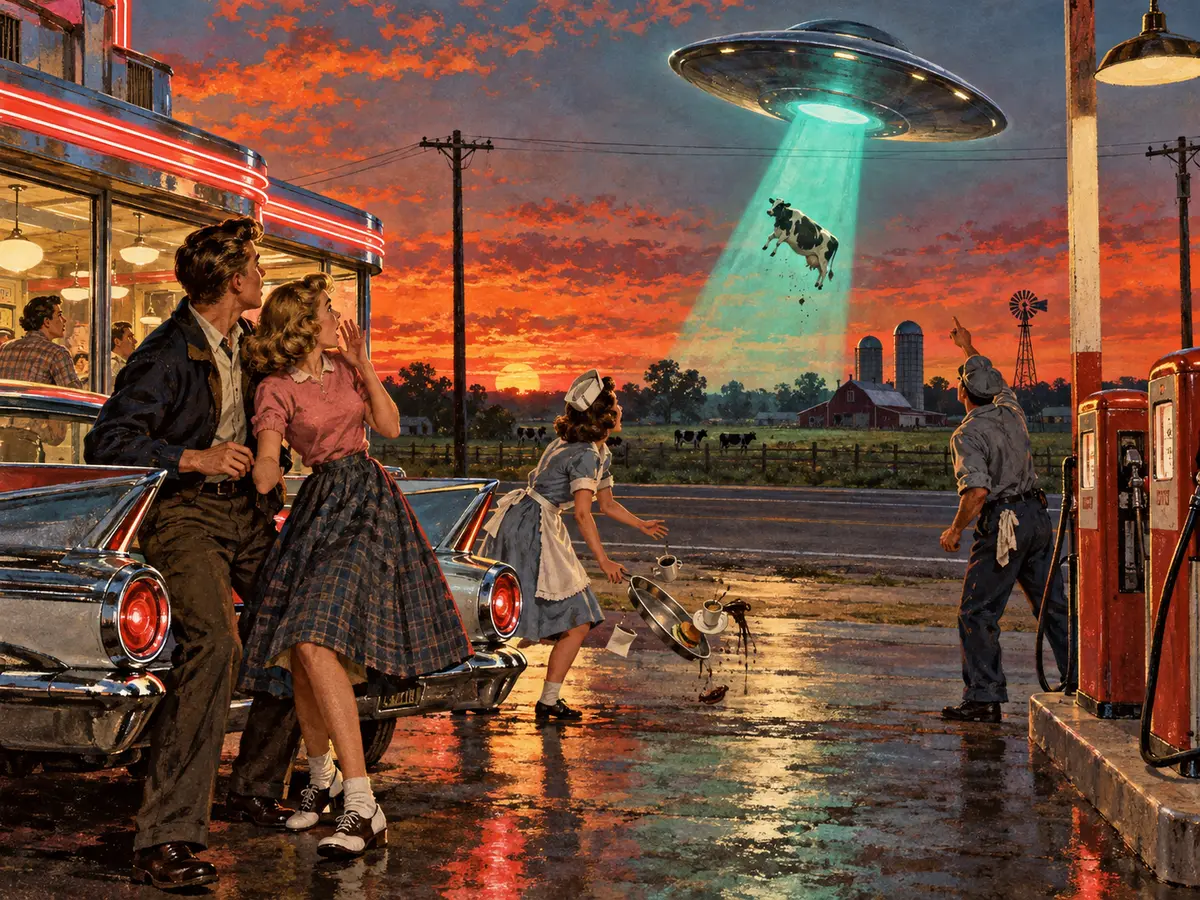
No file handy? Try one:
Background: a public-domain ChatGPT image. Yes, we checked it.
How a check works
We read what the file says about itself.
AI tools now sign their images and hide a watermark in the pixels. We read both, show you every line, and only call it AI when the file proves it.
- Content CredentialsSigned by OpenAI OpCo, LLC
- GeneratorGPT Image · 12 Sept 2026
- Hidden watermarkOpenAI SynthID found
- Camera dataNone in the file
- Made with AI2 signals that are hard to fake
Real results
Same picture, re-saved, still caught.
Re-saving or screenshotting wipes the credentials. OpenAI's hidden watermark survives, so the copy is still flagged.
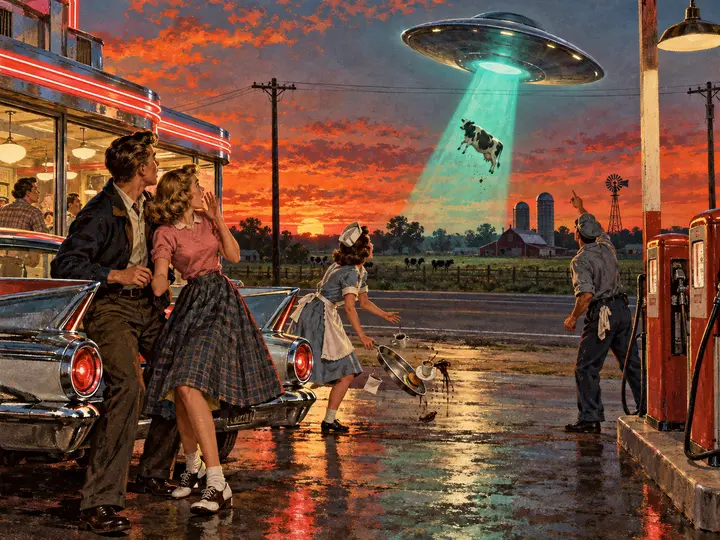
- Made with AI
ChatGPT original
- Content Credentials signed by OpenAI
- Made with GPT Image, 12 Sept 2026
Public domain · ChatGPT, Sept 2026 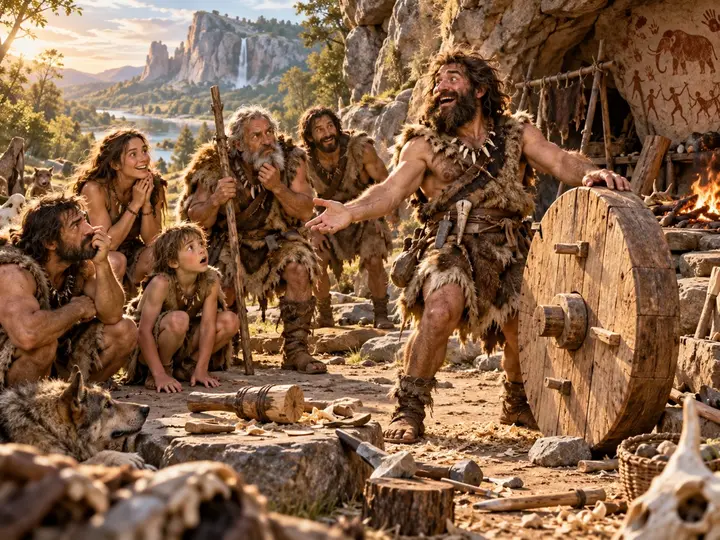 Made with AI
ChatGPT, re-saved
- Credentials stripped by re-saving
- OpenAI's hidden watermark still found
Public domain · ChatGPT, re-saved as JPEG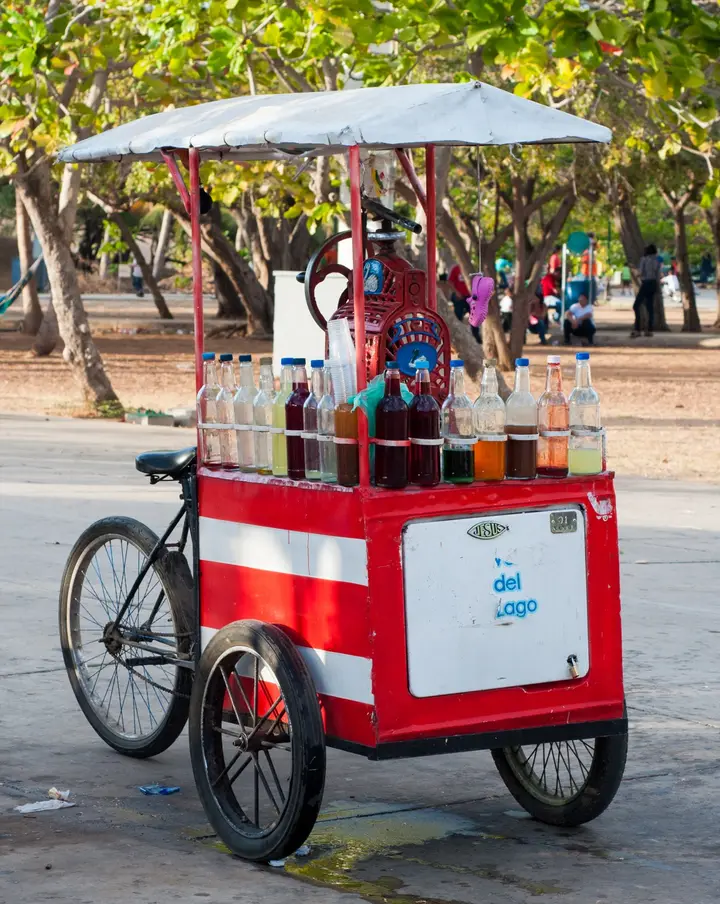 No AI signals
Camera photo
- Camera info: Nikon D300
- No AI credentials or watermark
CC0 · Wikimedia Commons
What we check, in order
Step 1
Signed credentials
If the file was made by ChatGPT, Gemini, Adobe Firefly and others, it often carries signed Content Credentials (C2PA). We read them on your device. A valid signature is very hard to fake.
Step 2
File metadata
EXIF, XMP and IPTC fields can name the camera or the AI tool. Stable Diffusion and ComfyUI often save the prompt inside PNGs. Useful, but anyone can edit these.
Step 3
Invisible watermark
If there are no credentials, we ask OpenAI's official checker to look for its invisible SynthID watermark, which survives screenshots and re-saving.
Step 4
Honest when it's unclear
When none of this turns up anything, we say so. No signal is not proof of a real photo. We'll never show a made-up “97% AI” score.
How to read the result
- Made with AIA signed credential or a watermark says AI. Strongest evidence there is.
- Signs of AIUnsigned metadata names an AI tool. Usually right, but editable.
- Signed camera photoSigned camera credentials and no AI signals.
- Not enough evidenceNothing we can read either way. Common for screenshots and reposts.
What this can and can't tell you
Catches reliably
- Original downloads from ChatGPT and GPT Image (credentials and watermark)
- ChatGPT images that were screenshotted or re-saved (watermark)
- Gemini, Adobe Firefly and other tools that sign their files
- Stable Diffusion and ComfyUI PNGs that still hold their settings
Can't tell yet
- Midjourney or Grok images after the metadata is gone
- Gemini images after a screenshot (only Google can read that watermark)
- Photos that were partly edited with AI and then re-exported
- Anything older than the credentials and watermarks (before 2024–2026)
Questions
- How accurate is this AI image detector?
- We read the evidence the file carries: signed Content Credentials, metadata, and OpenAI's invisible watermark. When one of those says AI, that's close to certain. When none of them shows up, we can't tell, and we say so instead of guessing.
- Why don't you give a percentage score?
- Most other checkers run one AI model and print a percentage. Independent tests found those models often disagree with each other and flag real photos as AI. We show you what's actually in the file, so you can see why we reached our answer.
- Do you keep my image?
- No. Content Credentials and metadata are read in your browser. Only when we ask OpenAI's checker is the file sent to OpenAI, and we keep just a fingerprint of the file so the same image isn't checked twice.
- Why does my screenshot say “not enough evidence”?
- Screenshots, crops, and most social media uploads strip metadata. OpenAI's watermark often survives, but Midjourney, Grok and most open-source models don't add one. That's why “not enough evidence” is a common and honest answer.
- Is a screenshot proof that an image isn't AI?
- The screenshot file was made by your phone or computer, not by an AI image tool, and we'll tell you when we spot one. But a screenshot wipes the original picture's credentials, so it can't show whether what's on screen was made with AI. Find the original file and check that instead.
- Can it detect Gemini and Nano Banana images?
- Yes, by its signed Content Credentials if the file is the original download. Google's invisible SynthID watermark can only be checked by Google for now, so we link you to Gemini's own check.
- Is this AI image detector really free?
- Yes. No sign-up, no trial that runs out. You get up to 10 OpenAI watermark checks a day, and reading credentials and metadata is unlimited because it runs on your device.
Other checkers
- Is this image AI?Got one image you're unsure about? Ask here
- Real or fake checkCheck a viral photo before you share it
- AI video detectorCheck a clip for AI labels and watermarks
- Is this video AI?Saw a clip online? Check it before sharing
- SynthID checkerLook for invisible AI watermarks
- Content Credentials viewerSee who signed a file and how it was made